

Conversation Simulator Software
The Practice Environment, 2026
Conversation Simulator is a practice environment. This page is about operating it: what a session actually looks like, what the machine is measuring while you talk, and why the debrief — not the conversation — is the product.
Pick your fight
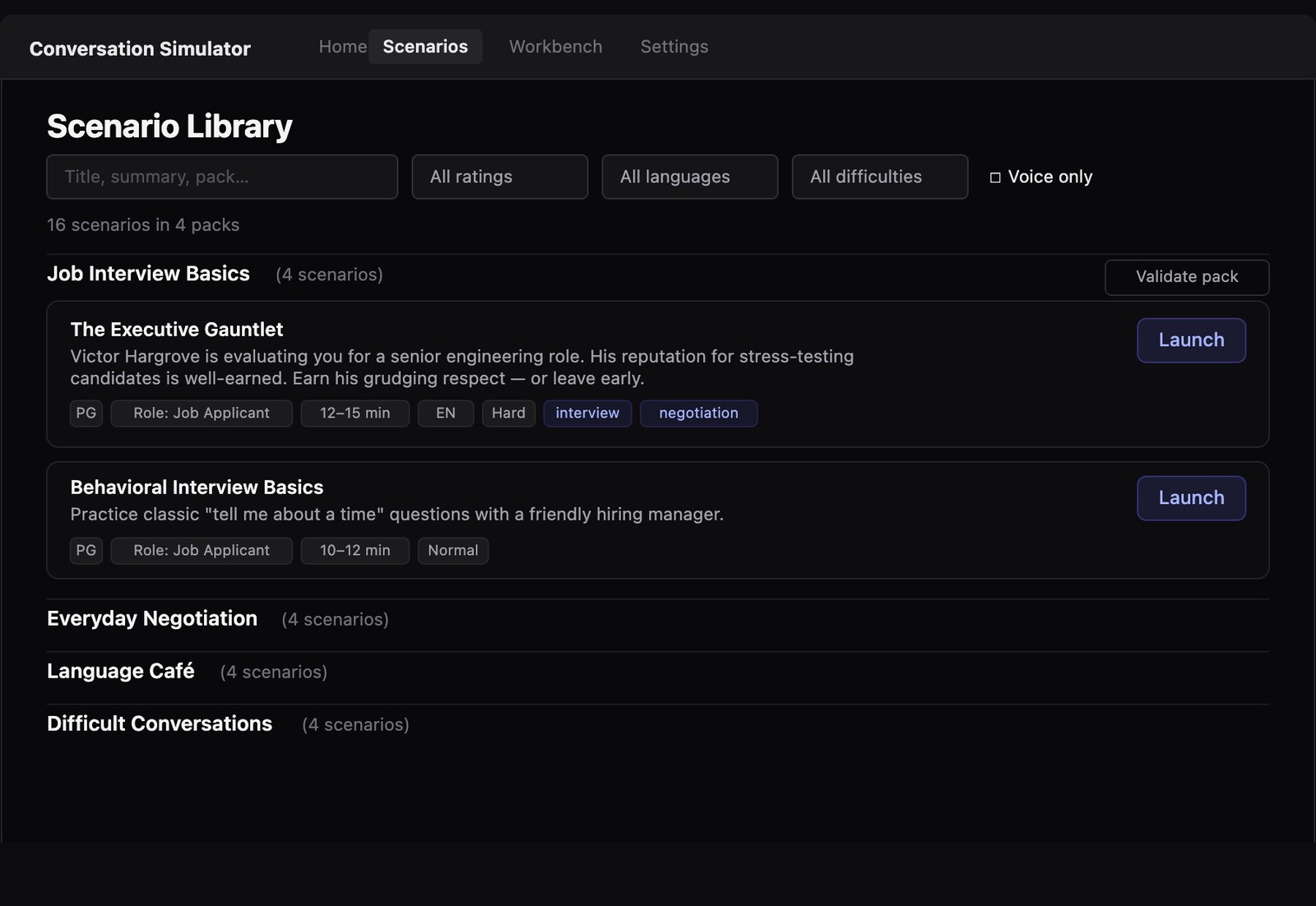
Sixteen scenarios ship across the four official packs — Job Interview Basics, Everyday Negotiation, Language Café, Difficult Conversations — each one a card with a difficulty, a rating, and a premise that tells you exactly what you’re walking into. The Executive Gauntlet: “Victor Hargrove is evaluating you for a senior engineering role. His reputation for stress-testing candidates is well-earned. Earn his grudging respect — or leave early.” That’s not flavor text. That’s the win condition.
The room pushes back
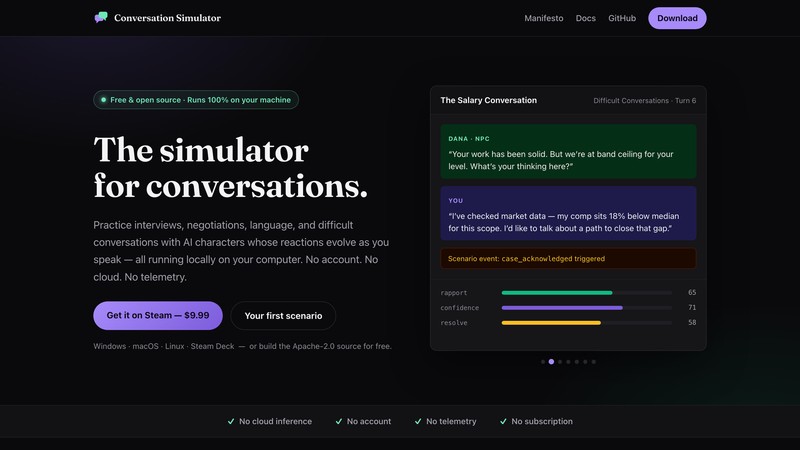
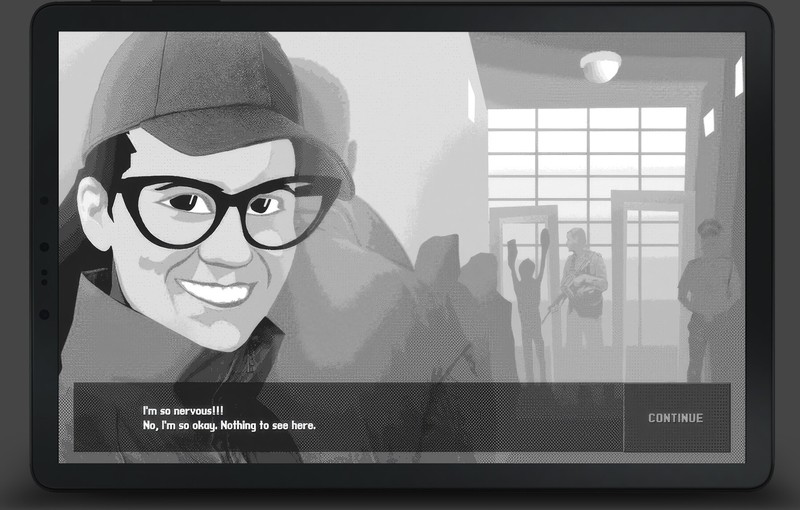
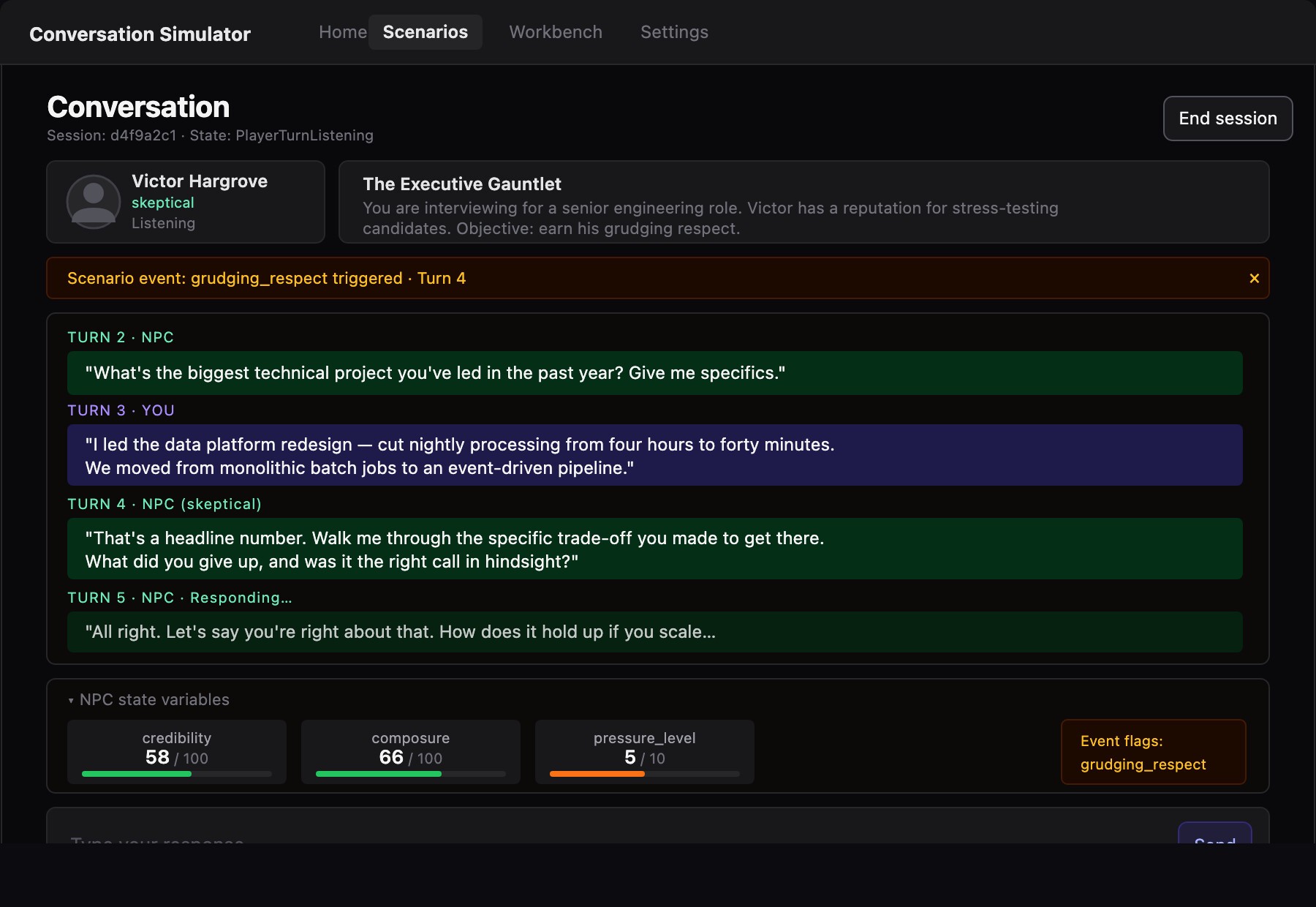
The conversation screen is a transcript with instruments. Below the exchange, the character’s actual state — credibility, composure, pressure — updates as you speak, and event flags fire when you cross a threshold. Here’s a real session, mid-Gauntlet:
You tell Victor you led the data platform redesign — cut nightly processing from four hours to forty minutes. A chatbot would congratulate you. Victor goes the other way:
“That’s a headline number. Walk me through the specific trade-off you made to get there. What did you give up, and was it the right call in hindsight?”
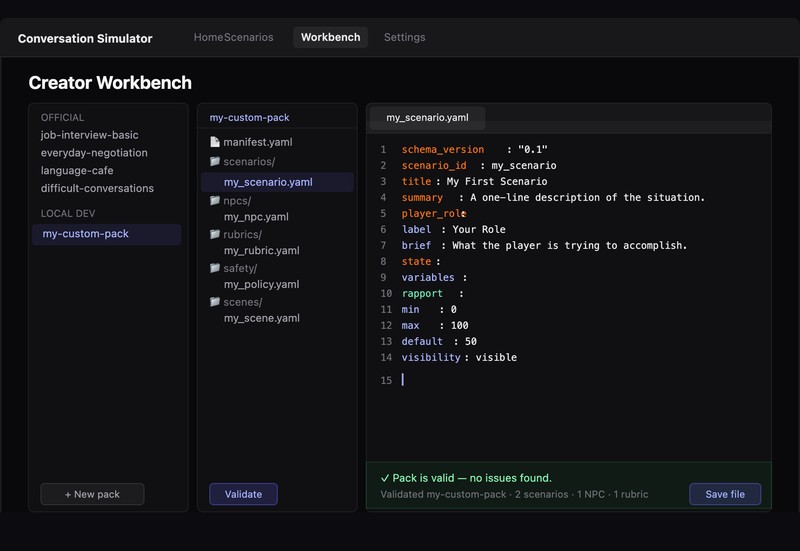
This is the product’s whole thesis in one turn. Victor’s skepticism is state, and it doesn’t move for headline numbers — it moves for the trade-off you can actually name, the thing you gave up, the call you’d revisit. The scenario’s brief holds the material to draw on — and the meters tell you, live, whether what you just said was evidence or noise. Bluff, and his credibility meter tells on you. Dig in and answer him with specifics, and you watch grudging_respect trigger — the event the whole scenario is named for.
The debrief is the product
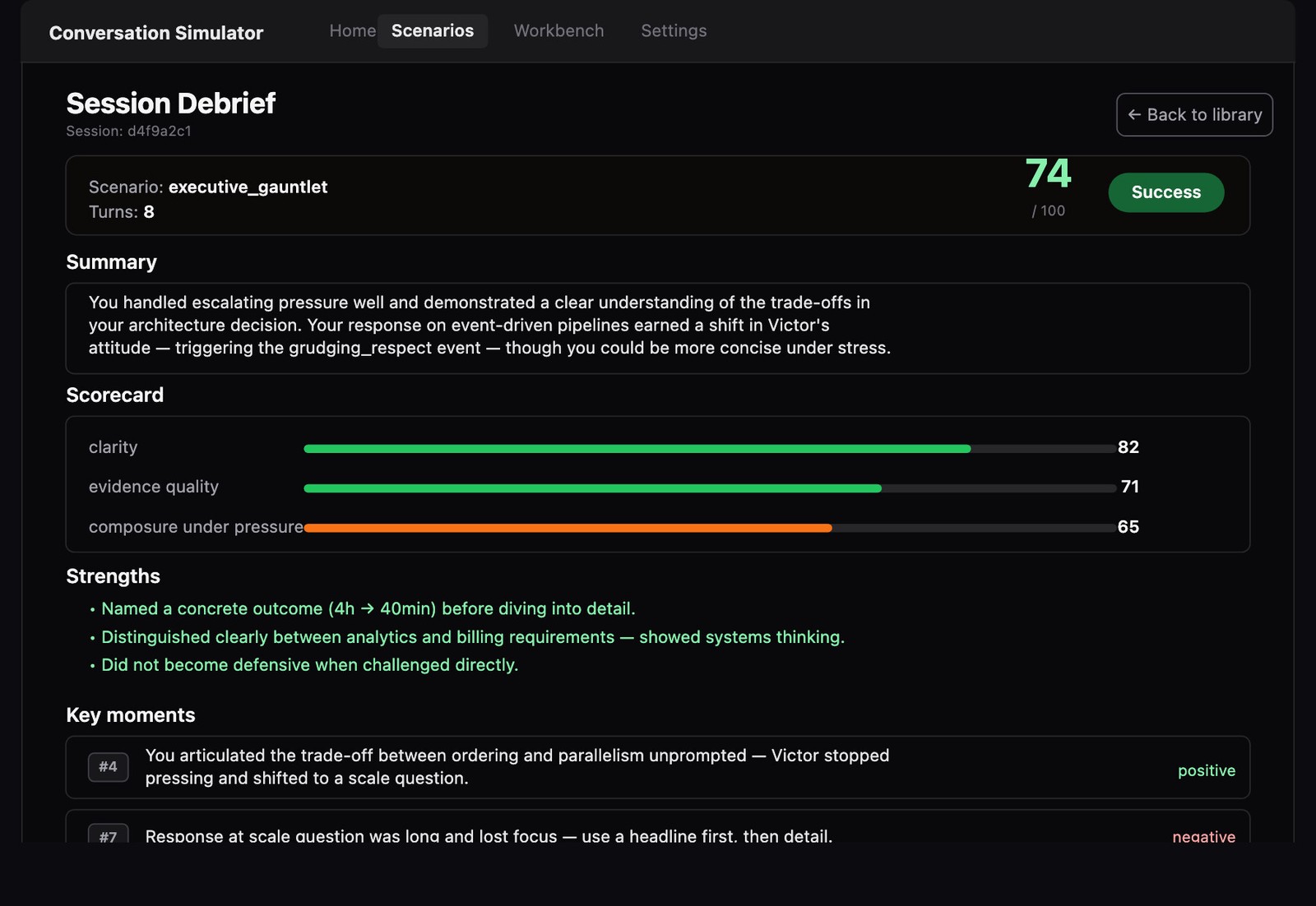
When the session ends, you get a scorecard — clarity, evidence quality, composure under pressure — and a summary that names the exact turn where the character’s attitude shifted. Strengths are concrete (“Named a concrete outcome (4h → 40min) before diving into detail”). So are the misses (“Response at scale question was long and lost focus — use a headline first, then detail”). Replay the scenario, export the session, or take the note into the real room. That feedback loop, run as many times as it takes, is what you’re buying — or building, since the whole engine is open source.
In your hands
The build is Steam Deck–ready, and handheld turns out to be the honest form factor for this product. Practice is private by nature; a Deck on the couch with headphones is literally private — no browser tab a roommate can glance at, no meeting-room screen share one alt-tab from disaster. The stack that makes it possible is the same local-first architecture as everywhere else: whisper.cpp hears you on-device, the character runs on-device, so the whole session works in airplane mode — the mode that proves the point.
Proof: download — Windows, macOS, Linux, Steam Deck · docs · source (Apache-2.0) — Windows, macOS, Linux, Steam Deck